

MiniMax H3 Image vs GPT Image 2.6: Multi-Reference Image Generation Compared
on 8 days ago
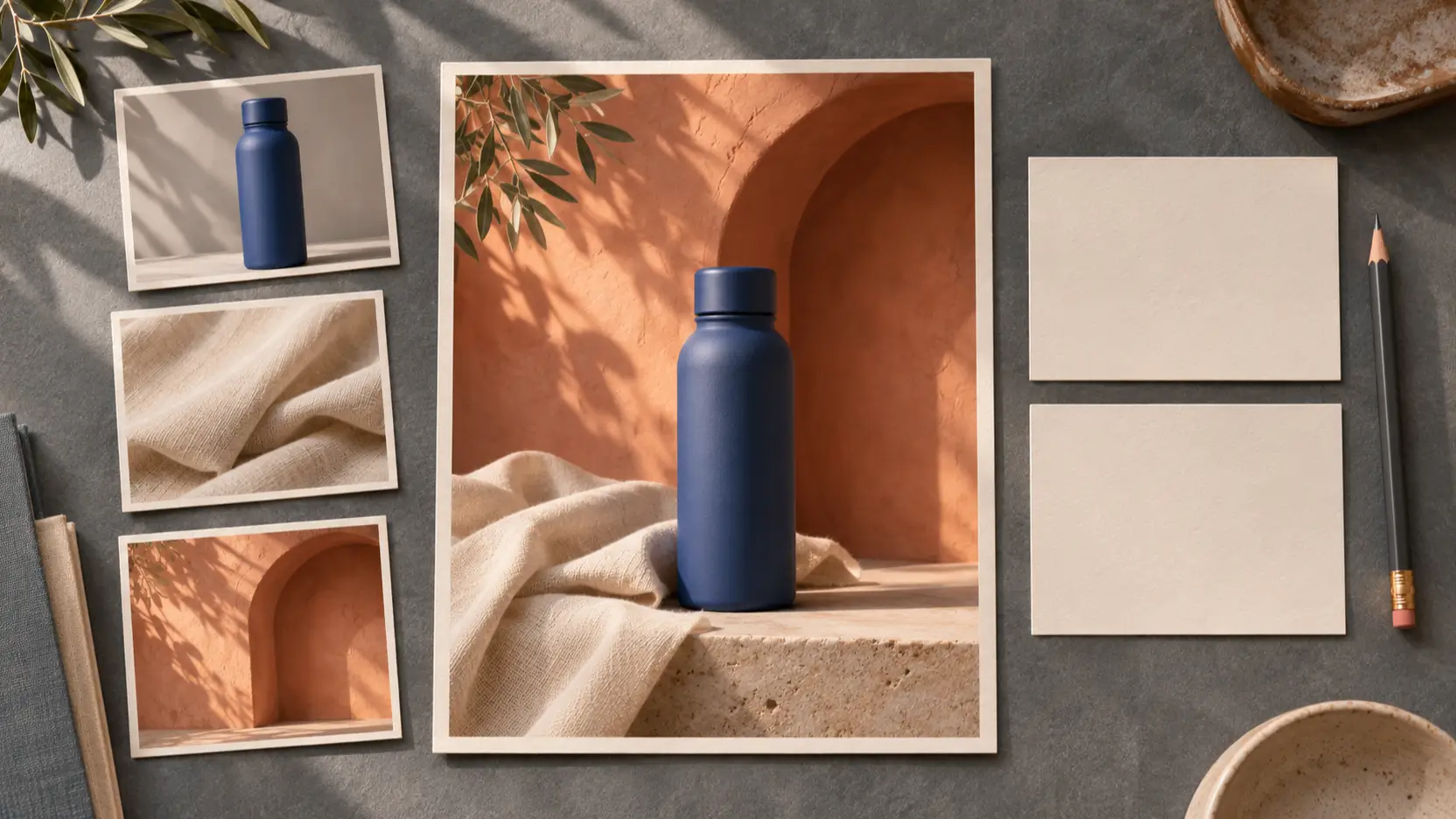
For MiniMax H3 Image vs GPT Image 2.6, reference capacity is a tie: both document support for up to 16 images. The harder question is what happens to those references. Can the model keep your product recognizable, borrow the right background, and make a requested change without disturbing approved details?
This article compares documented capabilities and gives creative teams a repeatable evaluation plan. Sources were checked on November 12, 2026. We have not conducted a controlled head-to-head test; the three illustrations are editorial concepts, not evidence of either model's output quality.
MiniMax H3 Image vs GPT Image 2.6: documented differences
For multi-reference image generation, check whether the interface accepts your reference set and gives you the controls needed for revisions. These are separate requirements.
| Decision point | MiniMax H3 Image | GPT Image 2.6 |
|---|---|---|
| Reference capacity | Hosted edits accept 1–16 images | Image-edit API accepts up to 16 images |
| Revision controls | Prompt-based edits; hosted guide excludes masks | Markup-guided editing documented for 2.6 |
| Model choices | H3 Image and H3 Image Highspeed | Sunburst and Flare |
| Setup options | Hosted API plus downloadable weights and deployment instructions | Hosted OpenAI image generation and editing endpoints |
MiniMax's image generation guide establishes its hosted limits. OpenAI's image-edit API reference lists the reference capacity and both 2.6 model identifiers. Sixteen is a ceiling, not a recommended starting point or a guarantee that every object will survive unchanged.
The MiniMax model card also demonstrates a room assembled from ten references. That is a vendor example, not a matched test against GPT Image 2.6. Its downloadable weights make local deployment an option, but serving a model adds infrastructure work. Do not assume the hosted API and a local installation have identical behavior.
Give every reference image a clear job

Start with the fewest images that explain the assignment. For product photography, one reference might define the bottle, another the surface material, and a third the setting. Two photographs that disagree about the bottle's cap create a decision you should resolve before generating.
Write a role for each reference in the prompt. Here is a hypothetical brief for either workflow:
Use image 1 for the blue bottle's shape and cap. Use image 2 only for the linen texture. Use image 3 for the terracotta alcove and lighting direction. Place one bottle upright in the alcove. Keep its proportions and color. Do not add a logo, extra bottle, or props from the texture reference.
This separates identity from atmosphere. Keep the input order fixed when repeating the test, and record which file occupies each position. If a material reference contains another product, crop or replace that reference before testing so the intended material is unambiguous.
MiniMax's hosted edits always apply prompt enhancement and return the resulting revised_prompt. Review it when an output departs from the brief. The submitted sentence and the instruction used for generation may differ; saving both makes unexpected changes easier to investigate.
Choose editing controls around the revision
A localized correction calls for a different image editing workflow than a fresh composition. “Combine these objects into a room” describes the whole scene. “Recolor only this vase” needs a clear target and an explicit instruction to preserve everything else.
MiniMax's hosted guide lists masked edits as unsupported. OpenAI's image generation guide documents markup-guided editing for 2.6: supply a separate transparent annotation layer over the first image and describe the change. That makes GPT Image 2.6 worth testing when pointing at a particular object is central to the job. It does not establish pixel-perfect preservation.
OpenAI also separates complexity from rendering quality. Higher complexity can help with relationships between objects, but may increase latency or unwanted changes. For a small correction, compare settings instead of assuming the highest value will preserve the scene best.
Ease of use depends on the application as well as the model. Check whether the interface exposes reference ordering, the selected variant, revision controls, and downloadable originals. An API capability that your chosen app does not expose cannot help that particular workflow.
Test reference image consistency before choosing
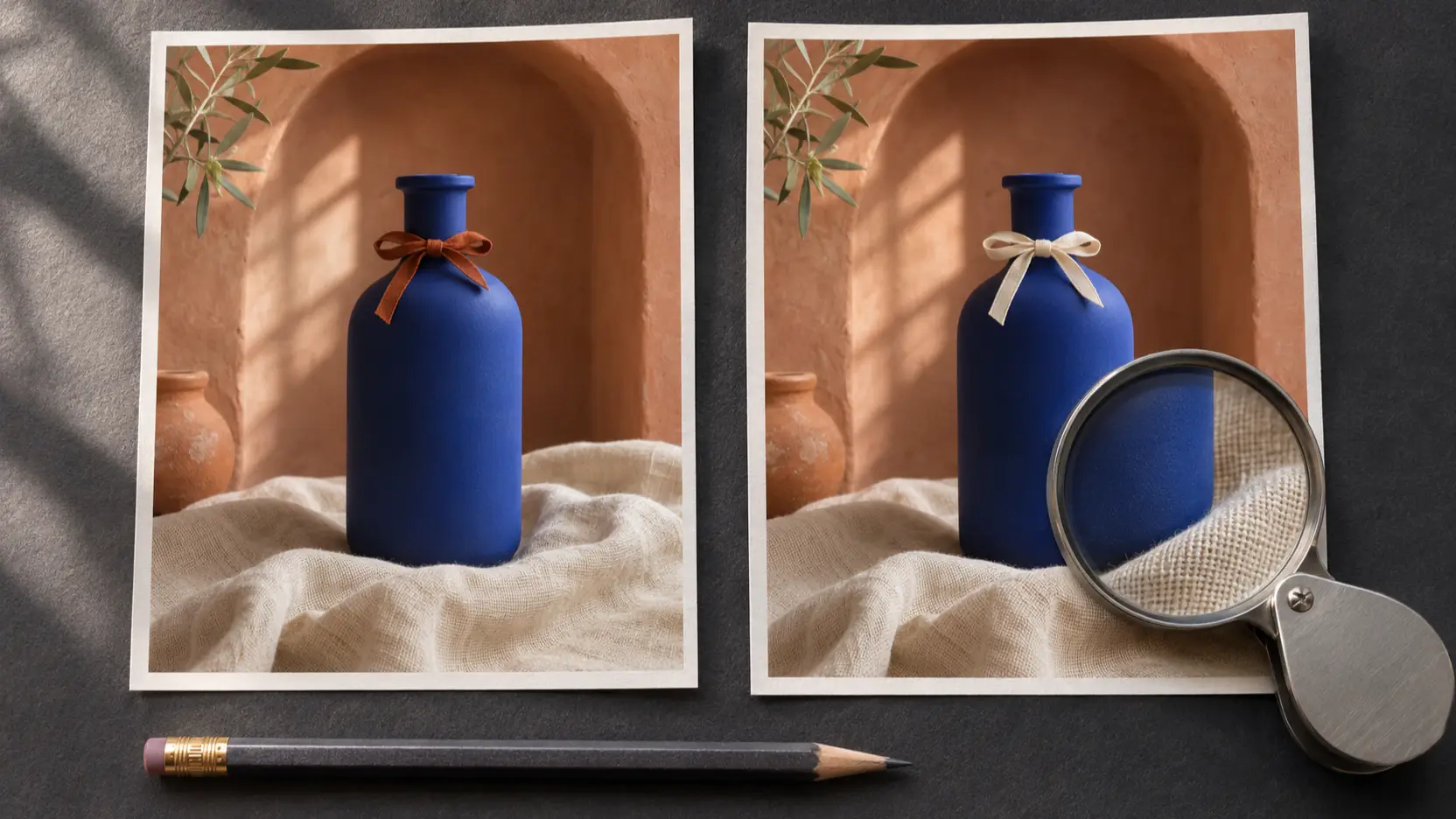
Use the same brief and files for both models, then judge the deliverable at its intended size. The following is a proposed test, not a report of completed experiments.
Select a product with distinctive geometry: an unusual cap, asymmetric handle, or recognizable seam. Add a setting reference and a texture reference. Specify which details must remain fixed, along with the output dimensions and placement needed for your campaign.
Request several independent attempts per configuration. Record the exact model variant, settings, input order, elapsed time, and billed usage. If the services cannot match an output setting, record that difference alongside the results.
Review each result against the same checks:
- Identity: Does the object retain its silhouette, cap, handles, and important markings?
- Reference roles: Did the model borrow the requested material without importing unwanted objects?
- Scene coherence: Do scale, shadows, reflections, and perspective agree?
- Revision stability: After one small change, are previously approved details still intact?
Keep aesthetic preference separate from a failed requirement. A beautiful composition with the wrong handle is a failed product brief. Inspect fine details at full size, then check whether the campaign crop leaves enough room for its intended copy.
Ask a reviewer to assess outputs without model names attached. Save rejected images and the reason for rejection. If one configuration repeatedly changes the cap or loses a seam, that pattern should influence the decision even if its strongest image looks excellent.
Choose by workflow and cost per accepted image
Shortlist MiniMax H3 Image when local deployment matters or when you want to evaluate its reference-composition workflow. Budget for setup if you choose downloaded weights. For a team that needs a hosted service, start with the API path and evaluate the actual integration effort.
For GPT Image 2.6, Sunburst's model documentation emphasizes detailed compositions and editing. OpenAI positions Flare for fast iteration. Treat these as reasons to select test configurations, not evidence that either beats MiniMax on your brief. Include markup-guided revisions if they reflect the work your reviewers request.
Compare cost per accepted image: total generation and editing spend divided by approved deliverables. Track staff correction time separately. A low price per attempt is less useful if several attempts fail the same requirement, and a more expensive run may be economical if it saves manual repair.
Use Shotyard's MiniMax H3 Image pricing guide and GPT Image 2.6 pricing guide to prepare the budget. Check current provider rates before a paid batch. This comparison does not establish equal per-image costs or promise that both models are available in every Shotyard interface.
FAQ
Which model accepts more reference images?
The documented API ceiling is the same: up to 16. An application can impose a smaller upload limit, so check the interface you will actually use before building a large reference set.
Should I upload all 16 references for the best result?
Only if each contributes necessary information. Begin with a clear product reference and the supporting images the brief requires. Add another when it resolves a specific ambiguity, and compare whether the change improves acceptance.
Which model preserves product details better?
The sources reviewed here do not establish a winner. Test your product's distinctive features across initial generation and a revision. Count altered geometry or markings as failures, even when the image looks polished.
Conclusion
To resolve MiniMax H3 Image vs GPT Image 2.6 for your team, run a small batch using a product you know well. Consider MiniMax when local deployment matters, and test GPT Image 2.6 when markup-guided revisions are part of the job. Choose using preserved product details, approved results, and the effort required to get them.