

ChatGPT Images 2.6 vs GPT Image 2.5: Features, Costs and Workflows
on 10 days ago
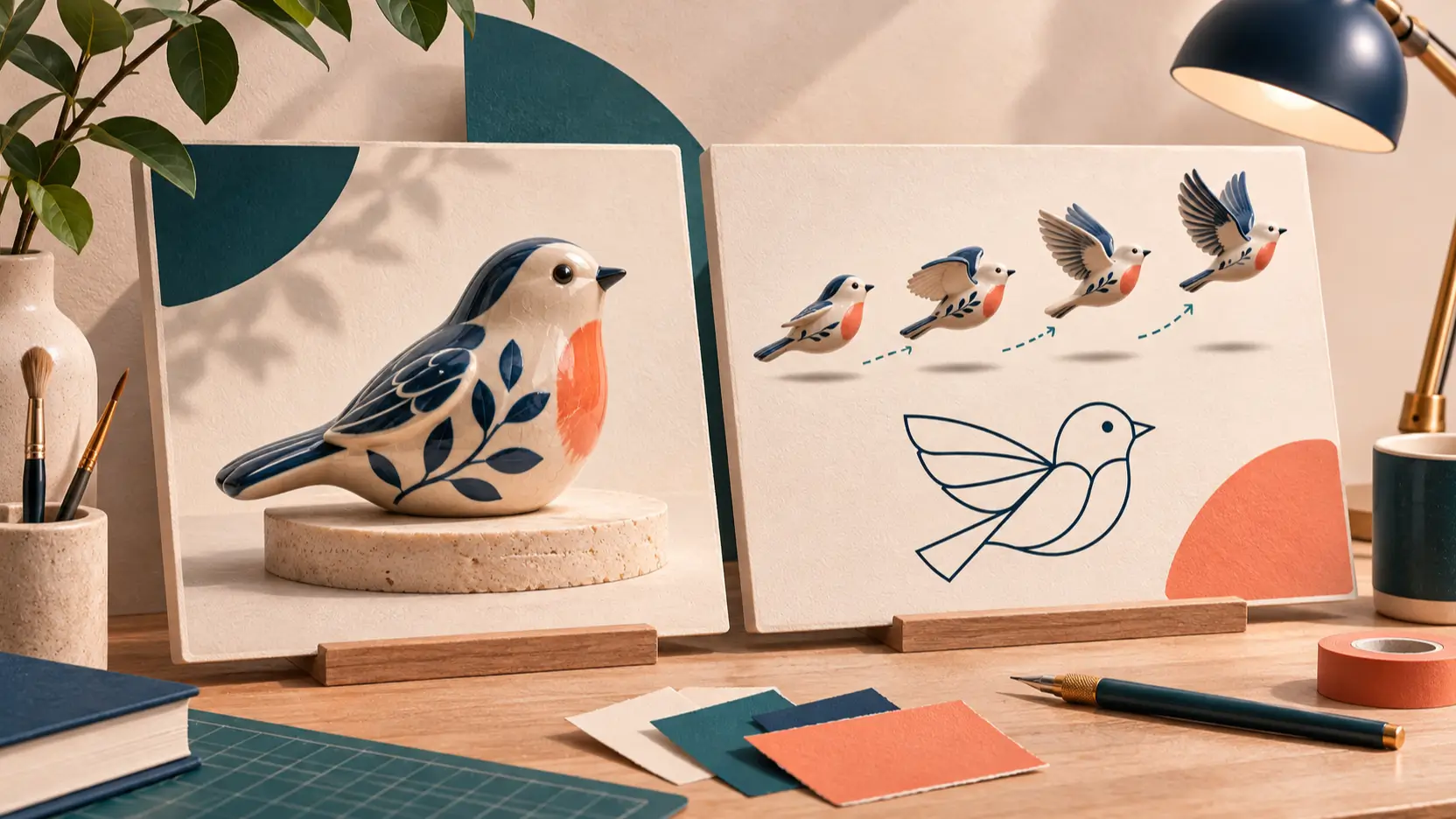
ChatGPT Images 2.6 vs GPT Image 2.5 is mainly a choice about what you need to deliver. Images 2.6 adds GIF and SVG workflows alongside new editing controls. GPT Image 2.5 remains worth evaluating if your existing still-image prompts already produce usable work. Before replacing a working process, check whether the new version reduces the work needed to finish the job.
This comparison reviews official documentation checked on November 10, 2026. It is not a controlled benchmark. The three illustrations explain creative workflows; they are not side-by-side outputs from the compared models.
ChatGPT Images 2.6 vs GPT Image 2.5 at a glance
Both families have Flare and Sunburst variants, so compare the intended variant as well as the version number. ChatGPT is also a product experience, while GPT Image names identify models available to developers. A feature in one interface does not establish that every third-party tool exposes it.
| Decision | Images 2.6 | GPT Image 2.5 |
|---|---|---|
| Everyday drafts | Flare targets fast iteration | Flare targets everyday generation |
| Detailed edits | Sunburst emphasizes detail and edit consistency | Sunburst emphasizes editing precision |
| New deliverables | Documented GIF and SVG workflows | Documented raster generation and editing |
| Planning control | Separate complexity setting | Existing quality and size controls |
| Reason to evaluate | New formats or fewer revision steps | Preserve a working still-image process |
The table summarizes OpenAI's image generation documentation. The last row is our recommendation, based on the work each team needs to deliver.
GIFs and SVGs change what you can deliver
The clearest reason to evaluate 2.6 is a deliverable that goes beyond a still image. OpenAI's Images 2.6 announcement introduces animated GIFs and SVG exports. A reaction loop for a mascot and an editable icon for a website solve different problems from a product photograph.
For a GIF, describe the motion and the loop boundary, not just the subject. A useful brief might ask for a bird to tilt its head, blink, and return to its starting pose. Judge the transition between the last frame and the first. A pleasing individual frame cannot rescue a visibly broken loop.
For SVG, inspect the exported paths and the design at its intended display size. Small icons need readable silhouettes; a busy illustration may be unsuitable even when it scales cleanly. The API documentation limits SVG generation to one result per request and excludes SVG output from the image edit endpoint.
For product photography and textured illustrations, a raster file may still be the right deliverable. GIF support also does not mean general video or audio generation: the 2.6 Flare model page lists those modalities as unsupported.
Editing quality depends on what survives the revision
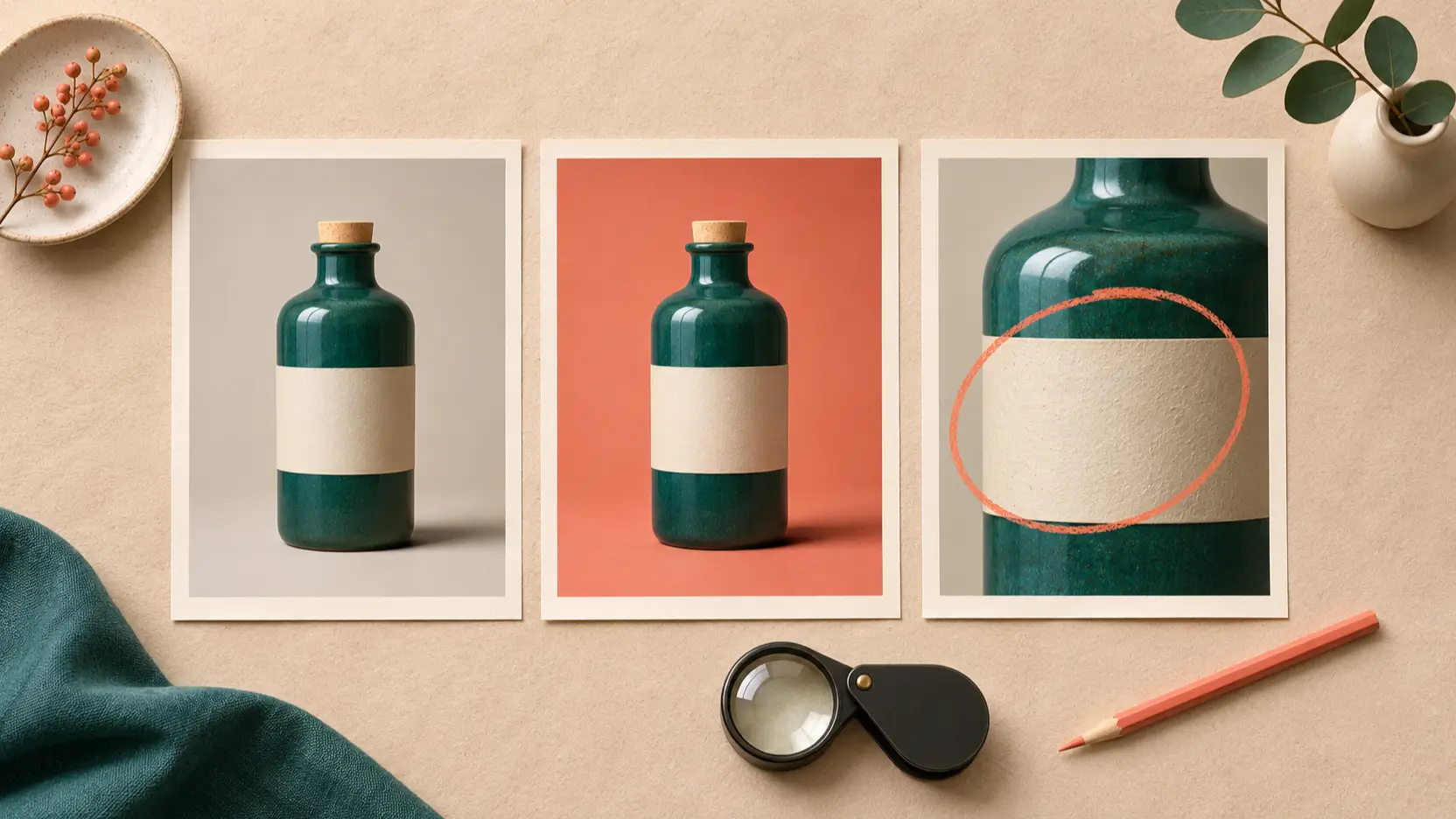
Check what changed and what stayed the same after each edit. For a product visual, check the silhouette, label, material and proportions after changing the background. For a character, compare facial features, clothing and pose across successive revisions.
OpenAI positions 2.6 Sunburst for greater detail and stronger consistency through edits, particularly at medium and high quality. That is a vendor description, not a promise that every product label will remain exact. The same announcement describes improved layouts in Flare, making posters and product compositions useful trial tasks.
The new complexity control is separate from quality. Complexity governs planning before rendering; quality governs rendering fidelity. OpenAI suggests lower complexity for focused edits, while denser scenes may benefit from more planning. Turning every setting up can add latency and unwanted changes, so test the smallest intervention that solves the problem.
GPT Image 2.5 is already an editing option. The 2.5 Sunburst documentation describes it as suited to editing precision. Keep a successful 2.5 result as a reference and ask 2.6 to perform the same revision. Compare the final deliverable rather than judging unrelated showcase images.
Compare speed and cost per usable result
OpenAI reports 50% faster generation for Images 2.6 and says Flare can generate in as little as six seconds at low quality. Treat these as vendor-reported figures. They do not establish the waiting time for your prompt, a busy third-party service, or an entire sequence of edits.
For planning, record the time from submitting a brief to approving the final asset. Include rejected outputs, repeated edits and manual cleanup. A faster first image is valuable only if the remaining work does not consume the saving.
The standard image-output token rate is $30 per million for both families. The 2.6 Flare model page and 2.5 Flare model page document that rate. It is an API rate, not a Shotyard credit price or the full cost of a finished asset.
Equal rates do not mean equal consumption. As a hypothetical calculation, 1,000 image-output tokens at that rate cost $0.03; 2,000 cost $0.06. These are arithmetic examples, not measured token counts for either model. Input tokens, repeated requests and other applicable charges must also be included.
For SVG specifically, OpenAI's cost guidance documents charges for the reference image and the authoring model's tokens. Avoid treating a quoted raster-output price as a complete SVG quote. Use explicit settings and actual usage records before projecting a monthly budget.
Which version fits your workflow?
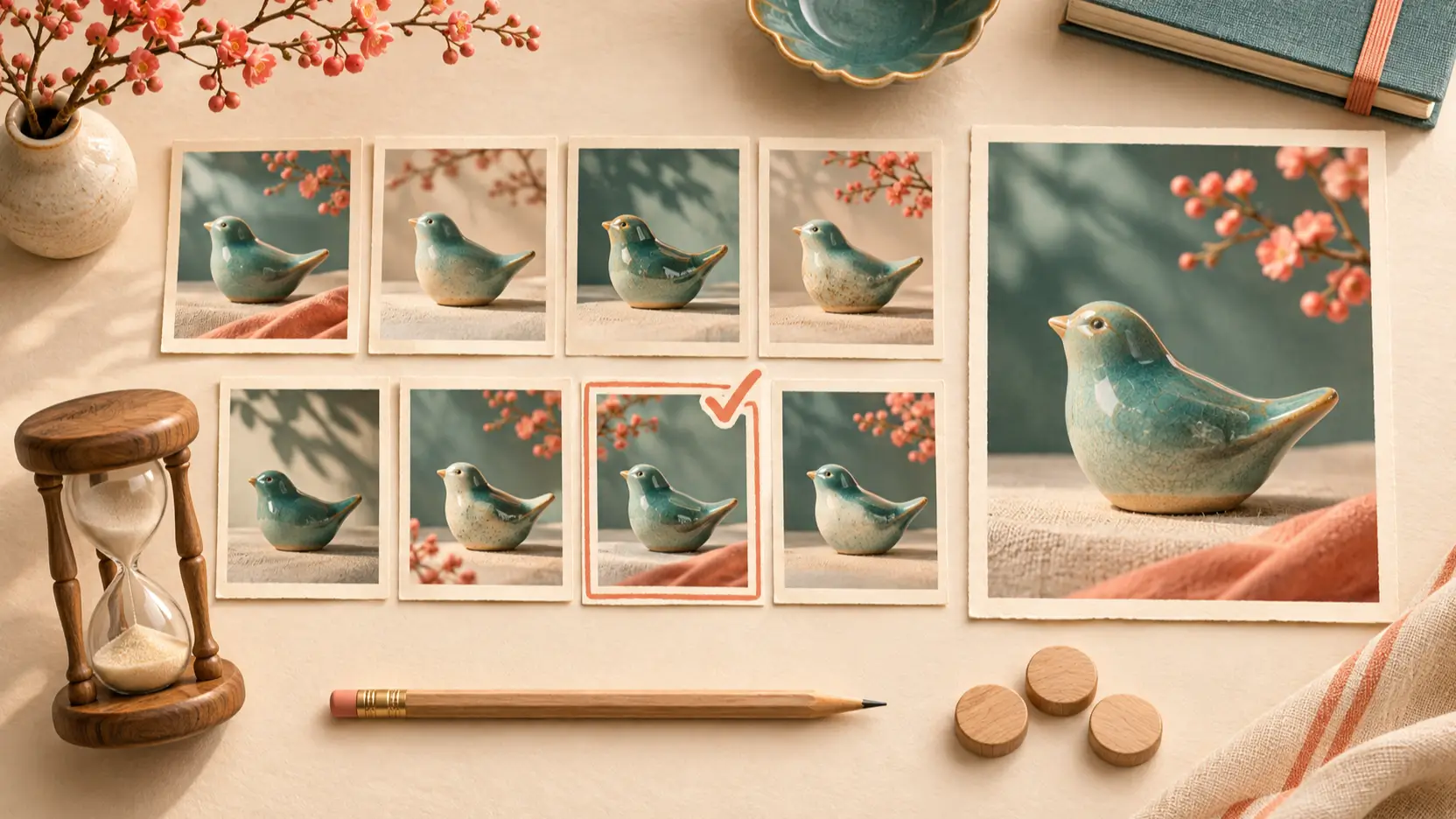
Start with 2.6 when the brief requires animation, vector delivery, or more control over repeated edits. Try Flare for rapid layout exploration and Sunburst when preserving details is central. Use those roles to plan a trial; this article has not ranked the models through testing.
Keep 2.5 in the comparison when you already have reliable prompts, approved visual examples and predictable review steps. Someone still has to check that revised prompts and outputs meet the brief, even when the token rate stays unchanged.
For an ecommerce team, the decisive test might be a background change that preserves packaging. For a social team, it might be whether a short loop communicates clearly without cleanup. A designer handing off icons should inspect the actual vector file. Each team can reach a different decision using the same models.
Run a small, repeatable trial:
- Choose three real briefs: a still image, a precise edit and your hardest layout.
- Keep prompts, references, dimensions and quality settings comparable, and record the exact variant.
- Define acceptance criteria before generating, including text accuracy and preserved details.
- Record attempts, elapsed time and billed usage for each accepted result.
- Test GIF or SVG separately when that format is a genuine requirement.
Use the Shotyard GPT Image 2.6 overview and GPT Image 2.5 page to explore the families. Check the selected model and available controls before submitting; a page title alone is not confirmation of which model a tool runs.
FAQ
Is ChatGPT Images 2.6 always better than GPT Image 2.5?
There is no universal winner in this documentation comparison. The documented additions make 2.6 a stronger candidate for GIFs, SVGs and some editing workflows. For an existing still-image job, compare acceptance rate and revision effort using your own brief.
Is 2.6 cheaper for image generation?
Not automatically. Standard image-output token rates match, but consumption and the number of attempts can differ. Compare the complete cost of accepted assets, including inputs and retries, rather than relying on a single token rate.
Can every image tool expose the same 2.6 features?
Do not assume so. Verify the model selection, export formats and controls in the interface you use. Official API capability and a third-party product's current integration are separate things.
Can I request SVG output from the image edit endpoint?
The reviewed OpenAI guide says SVG output is available through the generation endpoint, not the image edit endpoint. Plan the handoff around generating and inspecting the vector document, rather than assuming raster-edit controls apply unchanged.
Conclusion
ChatGPT Images 2.6 vs GPT Image 2.5 comes down to deliverables and revision effort. Evaluate 2.6 for its new formats and editing controls; retain 2.5 as a baseline when its still-image workflow already works. Choose after a small test of accepted results, with the model, settings and total effort recorded.